Turn BGMI Kills Into Instagram Reels and YouTube Shorts
Short, vertical and interesting in the first second. How to pick the right kills, fit landscape gameplay into 9:16 without losing the fight, and export.
 By Swotboysandy3 min read
Ask AI about this guide
In this guide
Short vertical videos are the easiest way for a good play to reach people who don’t already follow you. But a landscape BGMI clip dropped straight onto Reels or Shorts looks tiny, and a careless crop cuts out exactly what made the kill worth posting.
Here is how to pick clips that work in a vertical feed, reframe them properly and export them.
What works in a vertical feed
People scroll fast, so a gaming clip has about a second to show why they should stop.
- Start close to the action. Open a second or two before the fight, not during the loot run before it.
- One idea per video. One clutch, one spray, one knock that turns into a squad wipe. Save the long run of kills for your YouTube montage.
- Keep it short. Both apps accept vertical videos up to three minutes, but a single play usually lands best in 10 to 20 seconds.
- End cleanly. A clip that ends right after the final knock loops naturally, and people often watch a good loop twice.
Pick the right kills
The best clips for Reels are easy to understand without context: a sudden fight, a quick reaction, a clear result in the kill feed. Long-range kills where the enemy is a few pixels wide are hard to follow on a phone screen, however good they felt at the time.
If you have a long recording to go through, clip your kills out of it first and choose from a short list rather than the whole session. GamingCap does this for you: it finds the knocks and eliminations with your name on them and gives you each one as a 10-second clip, which is already close to Reel length.
Reframe landscape gameplay to 9:16
BGMI is recorded wide; Reels and Shorts are tall. There are three common ways to fit one into the other.
Centre crop
Zoom in until the clip fills the vertical frame. It looks the most immersive, but you lose the edges of the screen, which is often where the enemy, the kill feed and your eliminations count are. Use it only when the fight happens right in front of your crosshair.
Blurred fill
Place the whole landscape clip across the middle of the frame and put an enlarged, blurred copy of the same clip behind it. Nothing is cut off, the kill feed stays readable and it takes seconds to set up. It is the safest choice for most kills.
Split screen
Put the gameplay in one half and a zoomed-in part of the screen in the other, such as your scope or the kill feed. It takes longer, but it works well for long-range kills that are otherwise too small to follow.
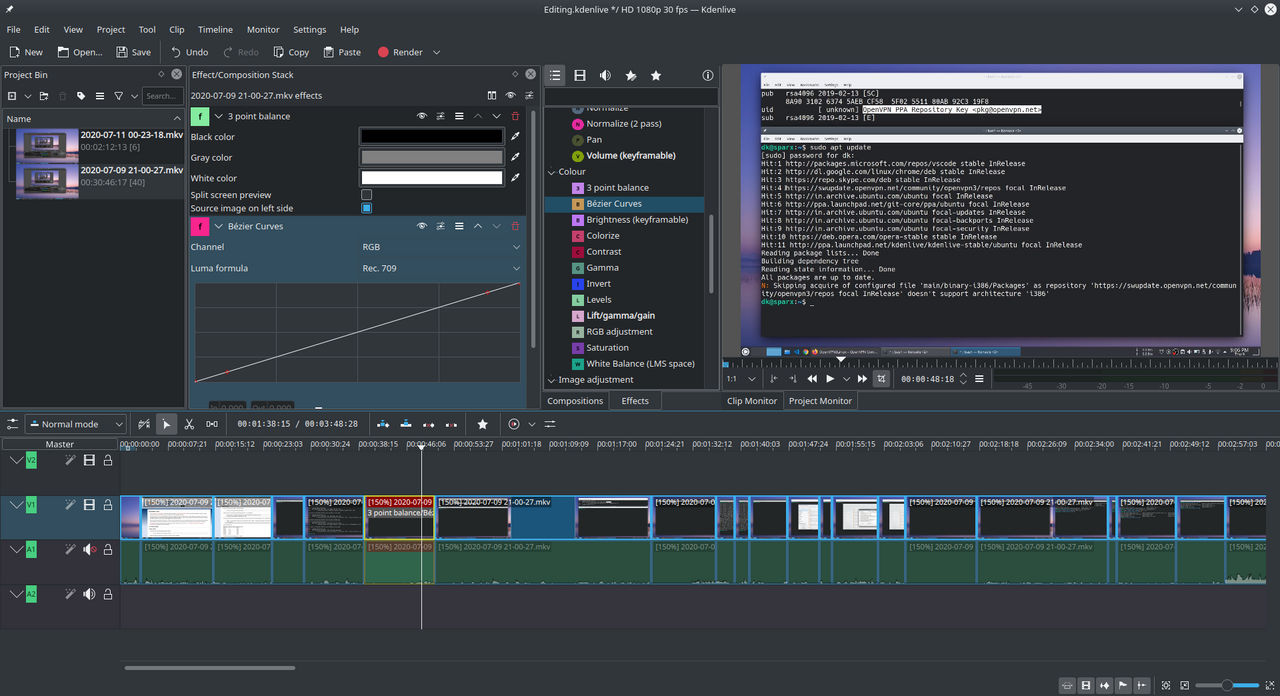
In your editor: start a new project with a 9:16 or 1080 × 1920 canvas before you add the clip. Clipchamp, DaVinci Resolve and most other editors offer this as a preset or a custom size.
Export settings
| Setting | Use |
|---|---|
| Resolution | 1080 × 1920 (9:16) |
| Frame rate | Same as your recording, usually 30 or 60 fps |
| Format | MP4 (H.264) |
| Length | 10–20 seconds for a single play |
Upload the exported file straight from your phone or PC. Sending it through a chat app first can compress it.
Music, captions and titles
- Music: the sound matters as much as the clip, and so does copyright. Read how to pick montage music without a copyright strike before you use a popular song.
- Captions: a few words on screen in the first second, like “1v3 in the final circle”, tell people what they are about to see. Keep text away from the bottom and right edges, where the app’s buttons sit.
- Titles: say what happens, not just the game’s name. “Final circle 1v3 clutch in BGMI” gives people a reason to watch; “BGMI clip 14” doesn’t.
Making a BGMI montage? See how GamingCap finds your BGMI kills for you.
Questions people ask
What size should a BGMI Short or Reel be?
1080 × 1920 pixels, a 9:16 vertical frame. Export an MP4 at the same frame rate you recorded, usually 30 or 60 fps.
How long should a gaming Reel or Short be?
Both apps accept vertical videos up to three minutes, but a single kill usually works best in 10 to 20 seconds. Save longer runs of kills for a montage.
How do I fit landscape gameplay into a vertical video?
Either crop into the middle of the action, or place the whole landscape clip across the vertical frame with a blurred copy behind it. The blurred fill keeps the kill feed and the whole fight in view.
Can GamingCap export vertical videos?
GamingCap exports clips in your recording's original shape. Use it to find and export your kills, then reframe them to 9:16 in any video editor.
Keep reading
 Guide
GuidePlan BGMI Clips Around Event Dates Without Chasing Every Trend
Build a small content plan around the start, mid-point and final days of an in-game event: what to record, when to shortlist clips, and how to prepare…
 Guide
GuideHow to Turn a New BGMI Event Mode Into Better Montage Clips
A timely workflow for learning the new mode, recognising moments worth saving, keeping the player's own eliminations separate and building a coherent…
 Guide
GuideGetting BGMI Clips to Edit Without Using Someone Else's
Why downloaded gameplay packs make weak montages, and how to build a clip library from your own matches.