Recording
How to Move Gameplay Recordings From Your Phone to Your PC
Move BGMI, Free Fire, COD Mobile and PUBG Mobile recordings to a PC or Mac without losing quality: cable, Quick Share or cloud drive, and what to avoid.
GamingCap guides
Guides to recording, clipping and editing Valorant, Warzone, Apex, PUBG and BGMI gameplay: find your best kills, build montages, post clips people finish.
Move BGMI, Free Fire, COD Mobile and PUBG Mobile recordings to a PC or Mac without losing quality: cable, Quick Share or cloud drive, and what to avoid.
Build a small content plan around the start, mid-point and final days of an in-game event: what to record, when to shortlist clips, and how to prepare one…
Where the frame-rate option sits in BGMI's graphics menu, why it only appears on some devices, and the trade-off between playing at a high frame rate and…
Explain why UI scale, language, name styling and event-mode overlays can affect any workflow that reads the kill feed.
GamingCap, VN, DaVinci Resolve, CapCut and Medal compared for BGMI kill montages: what each does best, where each falls short, and what it costs.
CapCut is an editor; GamingCap finds your kills in long recordings. Which to use for a BGMI, Valorant or Free Fire montage, and when to use both.
Medal clips while you play; GamingCap finds your kills in recordings you already have. How the two differ on platforms, price, privacy and montage export.
Outplayed records highlights while you play on Overwolf; GamingCap finds your kills in recordings you already have. Which fits PC and mobile players.
A practical diagnostic order for players whose match feels worse while recording after an update: restart, finish downloads, check storage and temperature…
Answer first with the settings order that matters: recorder resolution and frame rate matched to the game, free storage, temperature, background apps, then…
A timely workflow for learning the new mode, recognising moments worth saving, keeping the player's own eliminations separate and building a coherent…
The kinds of gaming montage makers, what each one automates, and how to pick one for Valorant, BGMI, CS2 or Warzone clips on a Windows PC.
Updates can change performance, storage pressure or visual load.
Use the official 4.7 beta announcement as the timely hook, then give players a practical before-and-after checklist for resolution, frame rate, audio…
Resolution, frame rate and audio choices on a phone that decide whether highlights look sharp after upload.
Why downloaded gameplay packs make weak montages, and how to build a clip library from your own matches.
Where a template saves an evening, where it makes every montage look the same, and what each costs in time.
What to write under a montage so people watch it, and an honest account of what hashtags still do.
Sizes, safe areas, text that stays readable at phone size, and free tools that do the job.
The common problems in first montages, from long intros to loud music, and how to fix each.
Placing kills on beats by ear and by waveform, and when being slightly off feels better.
Cutting one long montage into several vertical Shorts that each stand on their own.
A practical starting point for resolution, frame rate, bitrate and audio when exporting a gaming montage to YouTube.
Which transitions still work in gaming edits, which read as templates, and when a hard cut is better.
Capturing Apex footage, picking knocks and squad wipes, and pacing a montage around them.
Replay mode versus recordings, finding eliminations, and editing to a beat without overcutting.
Pulling eliminations out of long Warzone sessions and turning them into a tight montage.
Phone recording settings, getting footage to a PC, and cutting a Free Fire montage that holds attention.
Recording Valorant cleanly, finding your rounds with kills, and editing a montage around aces and clutches.

A workable PC setup for a first montage: free recording, clip finding, editing and export settings.
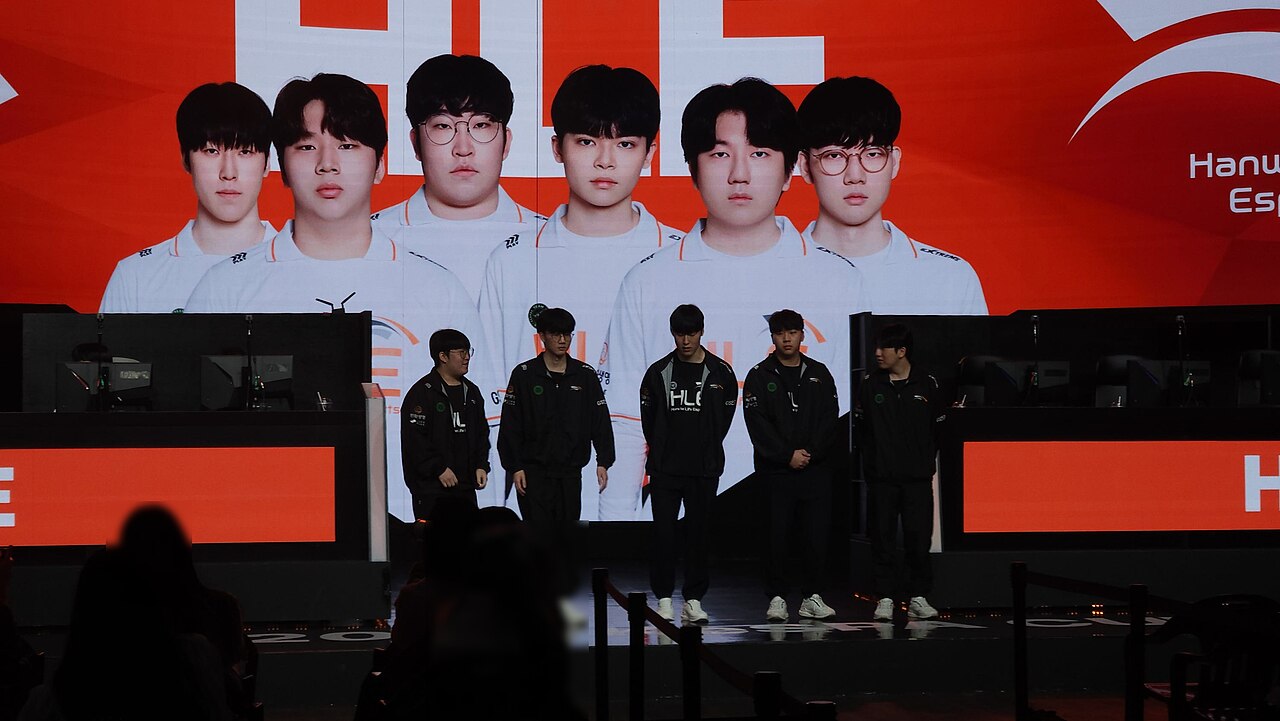
What makes a clip worth keeping, ranking a shortlist, and cutting good-but-similar kills.
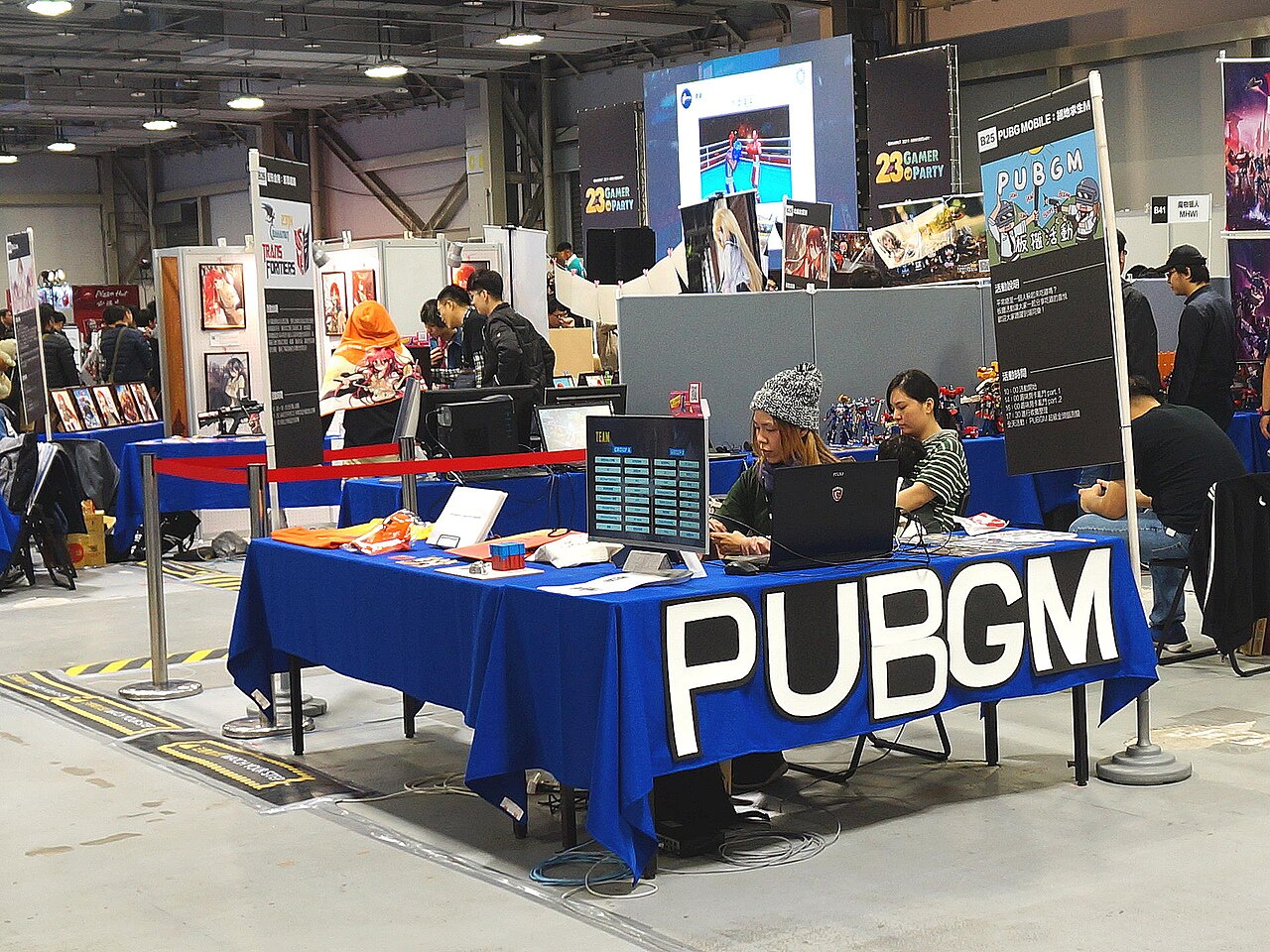
BGMI 4.6 brings the Midnight Hunters vampire mode to Erangel until 16 November, Ocean Odyssey on 30 September, and Diwali events. All dates and changes.
Structures that work with ordinary gameplay: squad moments, comebacks, funny fails, one-weapon edits and progress over a season.
Cut points, speed ramps used sparingly, sound design and pacing, with what to leave out.
Which free tools actually export clean, what the catch is with each, and when paying saves more time than it costs.
The whole process for any game: capturing footage, picking kills, ordering clips, music, and exporting a file that looks right on YouTube.
Short, vertical and interesting in the first second. How to pick the right kills, fit landscape gameplay into 9:16 without losing the fight, and export.
Where montage music comes from, what gets claimed or muted on YouTube and Instagram, and picking a track before you cut.
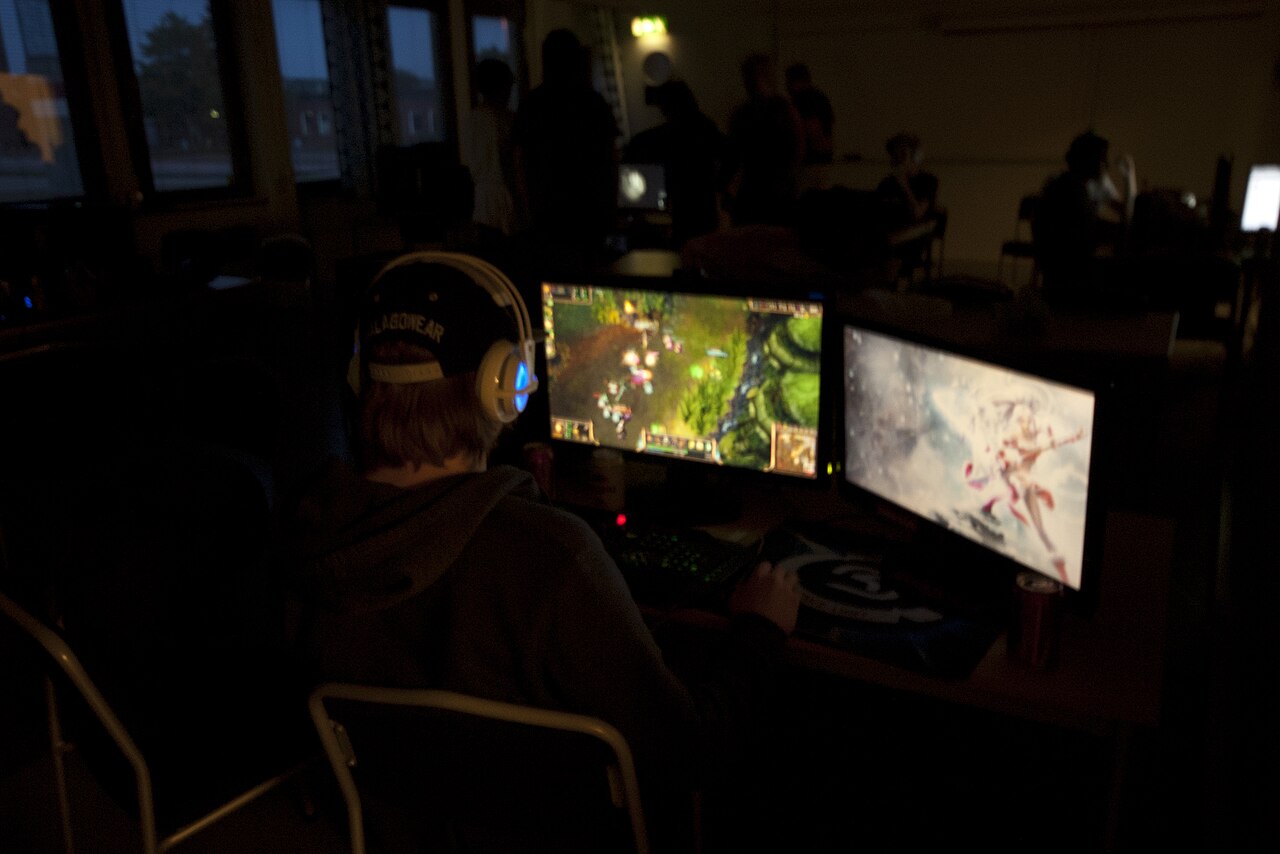
Hours of BGMI footage and only a handful of kills worth keeping. Three ways to pull them out, from free and manual to automatic, and when each makes sense.
Go from full match recordings to a finished PUBG Mobile kill montage: recording, finding your kills, choosing and ordering clips, music and export.
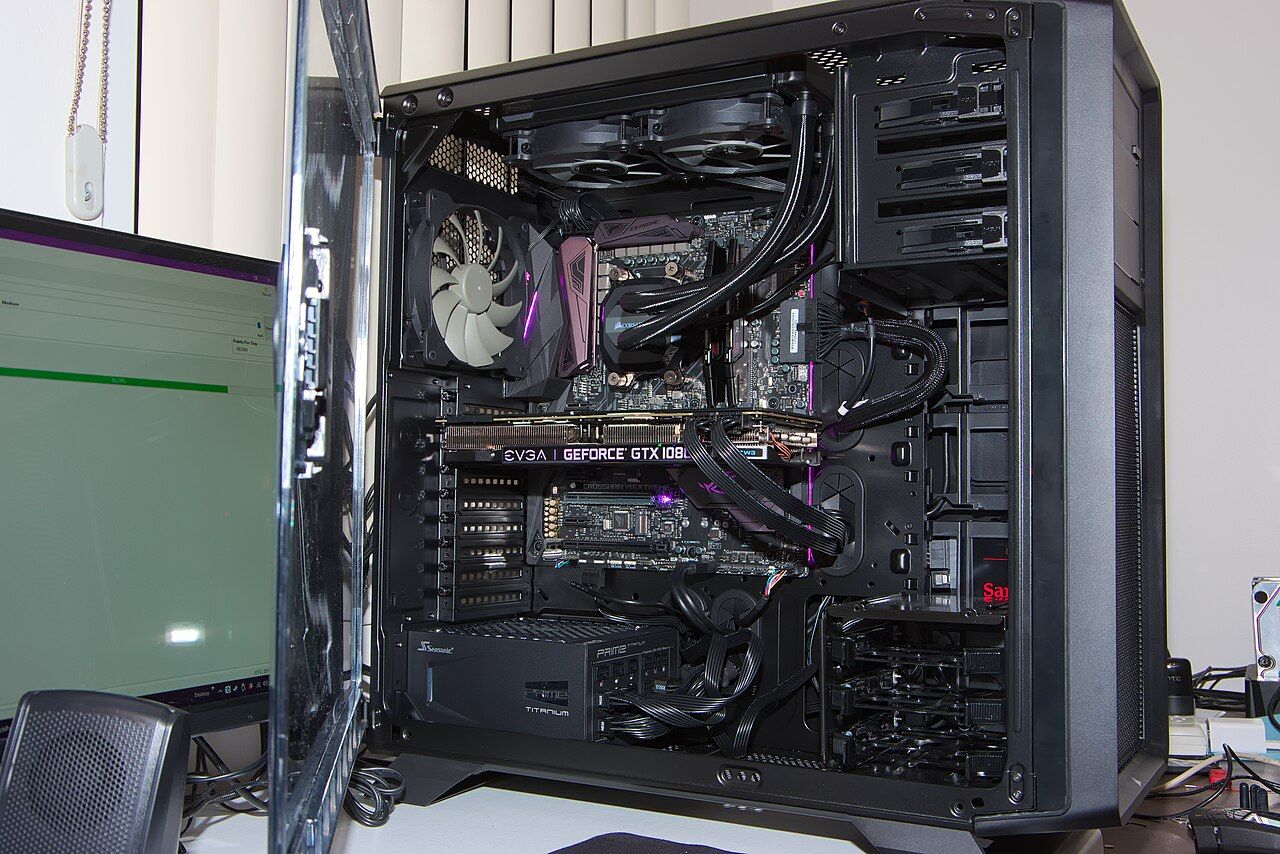
BGMI is played on a phone but edited best on a PC. How to record cleanly, move large recordings across without losing quality, and turn them into clips.
Retention decides whether a montage travels, and it is usually lost before the first clip finishes. Four opening mistakes and what to do instead.
Hotkey clipping, replay buffers and automatic detection each solve a different problem badly. A straight comparison of what you gain and give up with each.
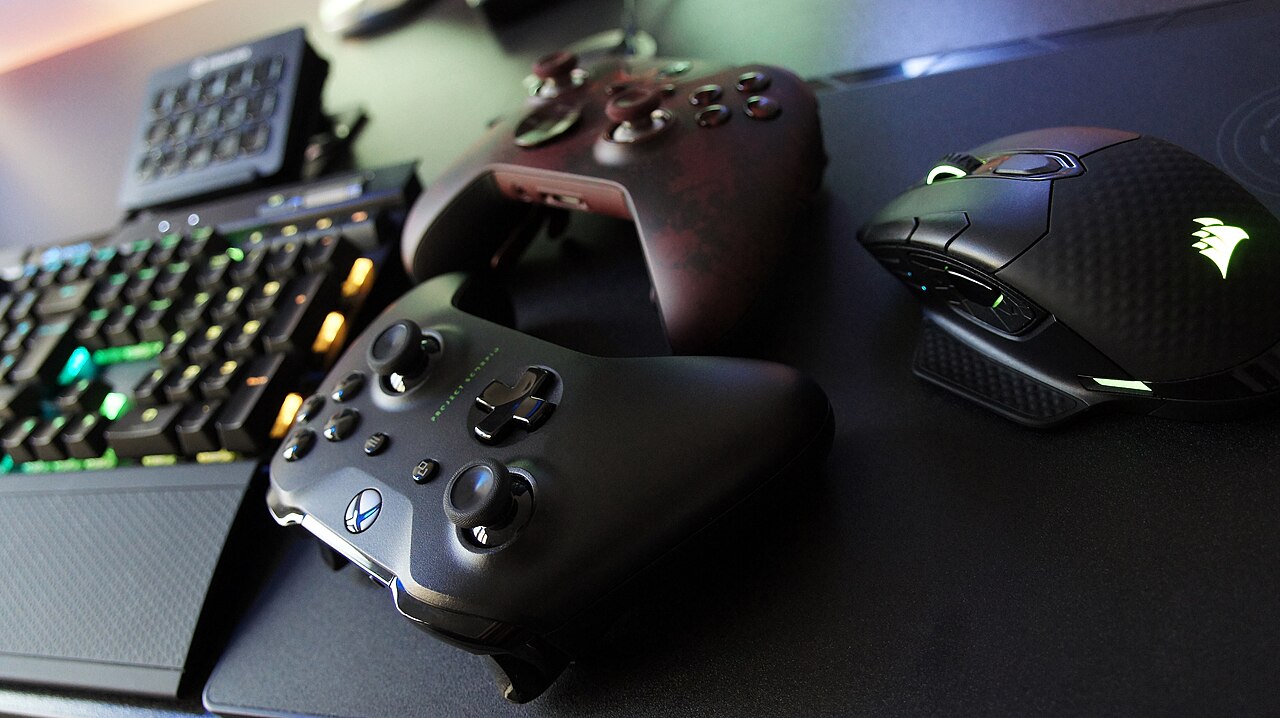
An honest time audit of a three-minute montage, broken down by stage — and why the stage that eats the most hours is the one nobody enjoys.
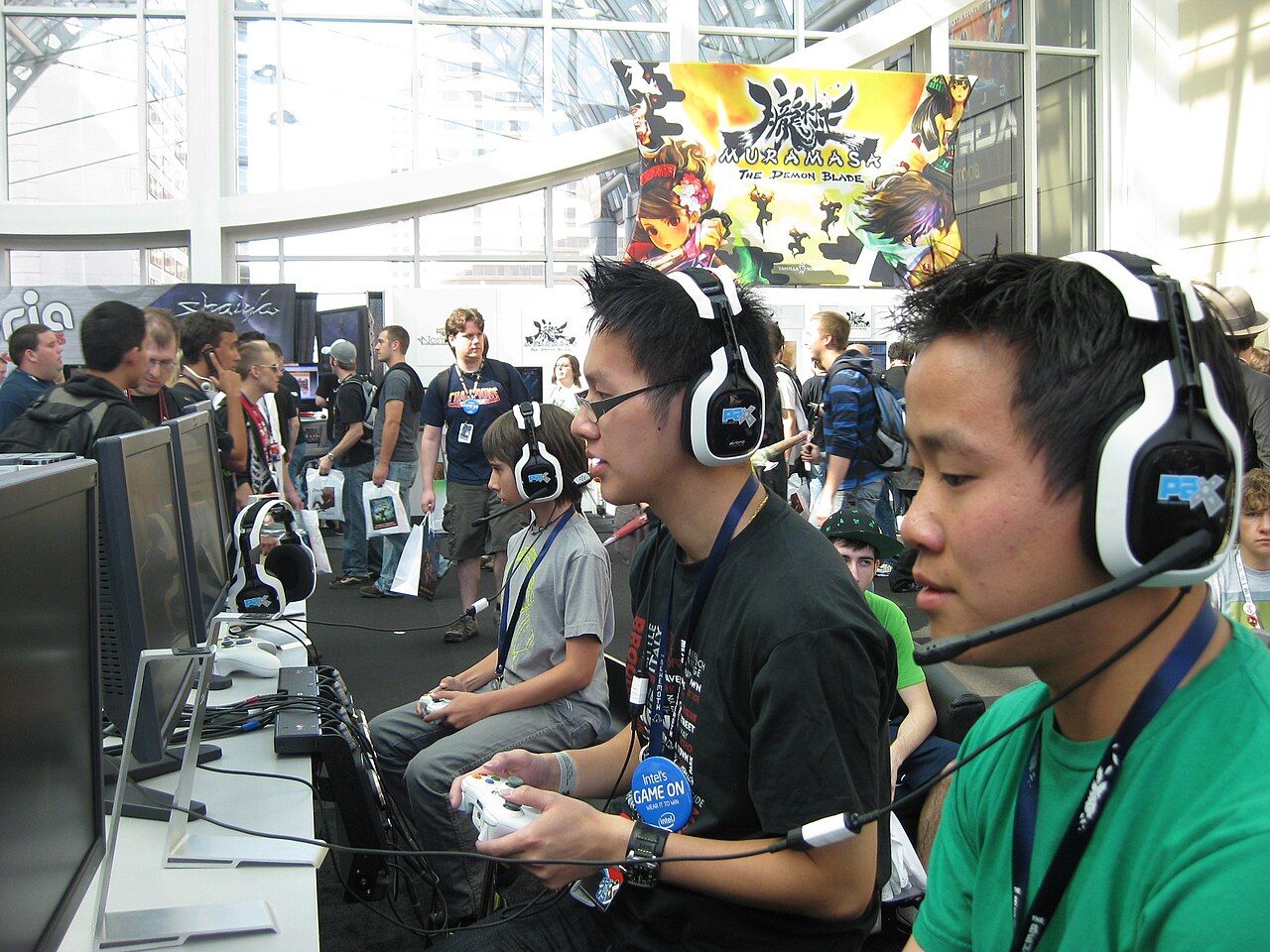
Recording, finding the moments, cutting to the beat and exporting — the full path from a folder of raw matches to a montage people finish watching.
Framerate, bitrate, resolution and codec choices that decide whether your montage looks sharp on YouTube or turns to mush during a firefight.

Scrubbing a timeline is where most montages quietly die. Four ways to locate the moments worth keeping, and what each one actually costs you.
Content ID, claims versus strikes, and how to pick a track for your BGMI montage that will not silence the video or hand your views to someone else.
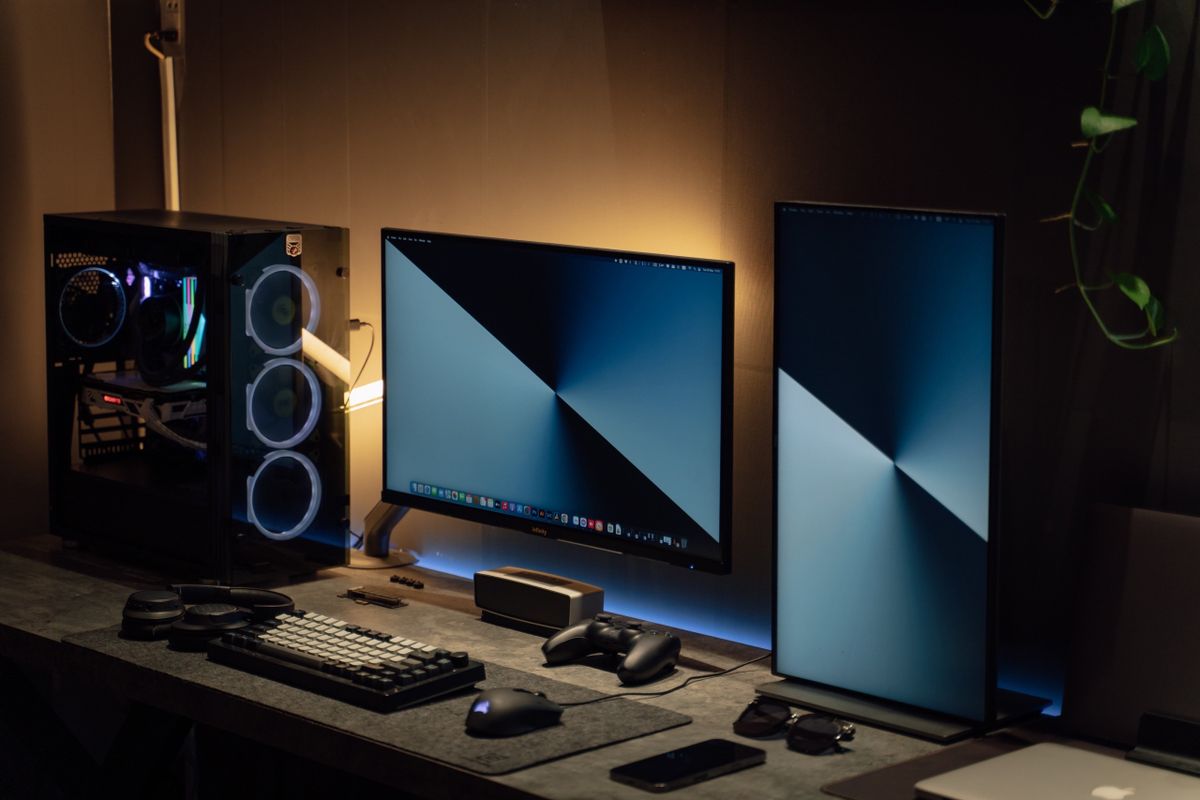
How non-gyro players should approach camera, ADS and fire-button sensitivity: start from defaults, change one scope at a time, test in training, and why…
Why long BGMI sessions heat a phone and what that does to frame rate and recordings, then the changes that help most: graphics and frame-rate choices…
What a frag movie is, recording demos versus gameplay, and a simple structure for a first edit.
Stop relying on luck in Grandmaster and start using the best character Free Fire combos to secure your wins.
Finding the sweet spot in Free Fire MAX settings can turn a laggy phone into a sniper’s dream.
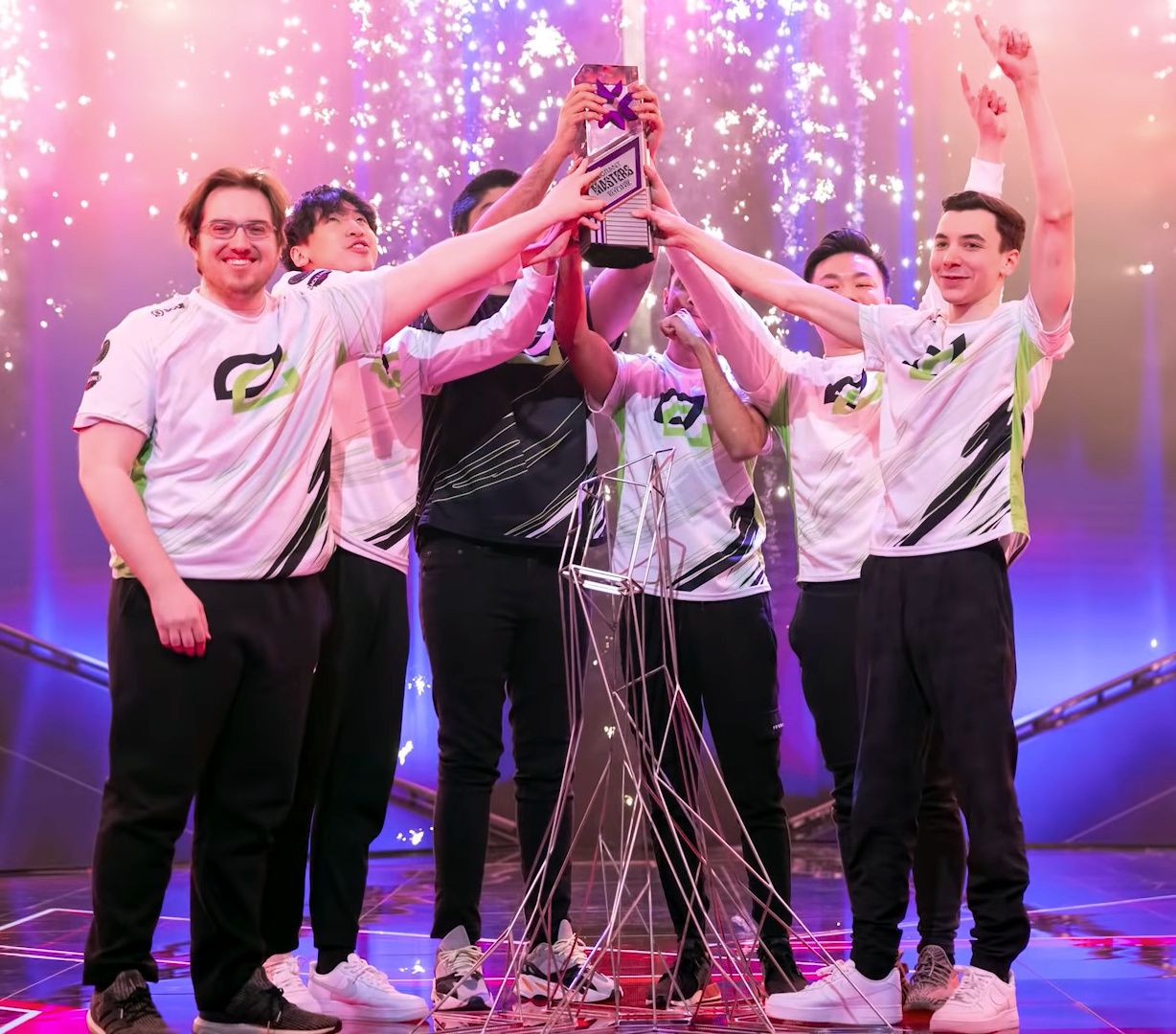
Stop wasting your hard-earned credits on a pistol round that was never going to happen.
Looking for the best Valorant knife skins to flex in every match? Here’s the Valorant melee tier list that separates the show‑stoppers from the “meh” options.
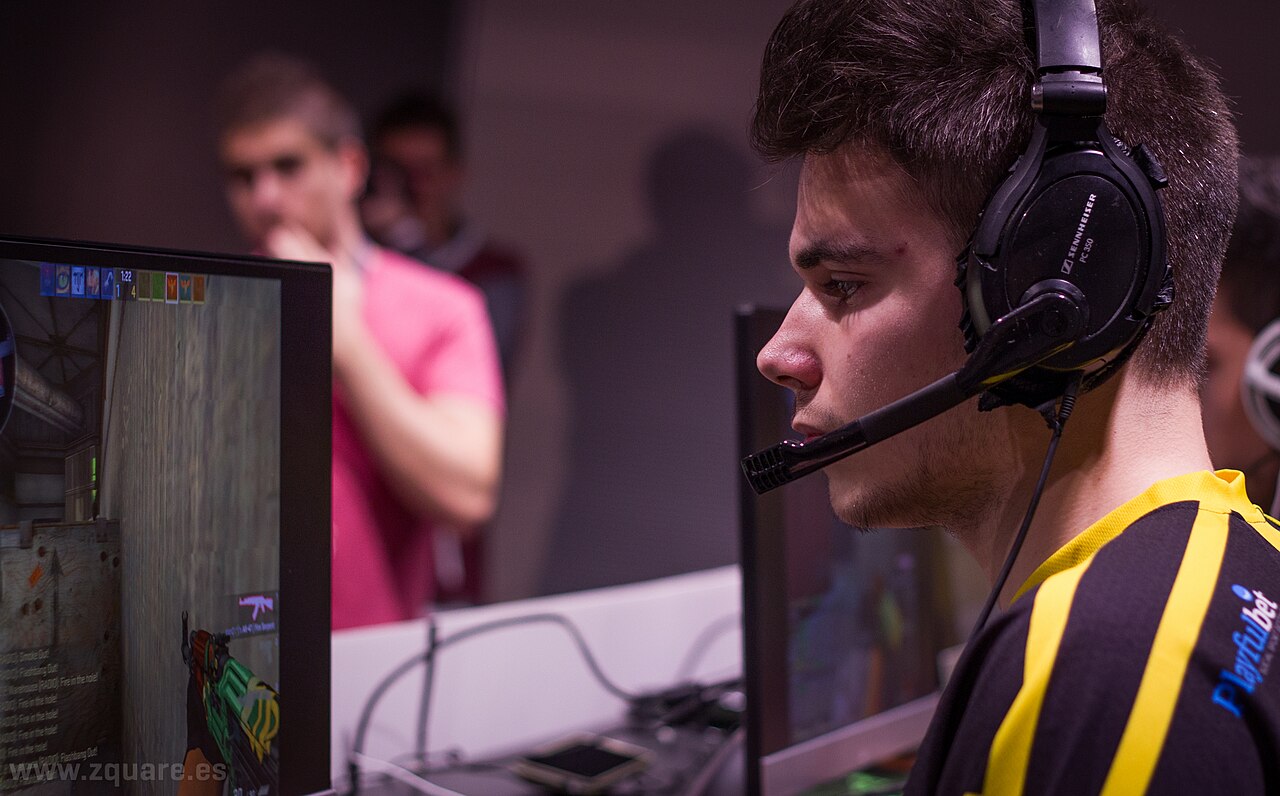
Want to know how to rank up Valorant without grinding forever? These Valorant rank tips cut the fluff and get you climbing from Iron to Diamond faster.
Stop blaming your aim when your frame rate is tanking. These Valorant PC settings are the baseline you need to hit high FPS and keep your low ping stable.
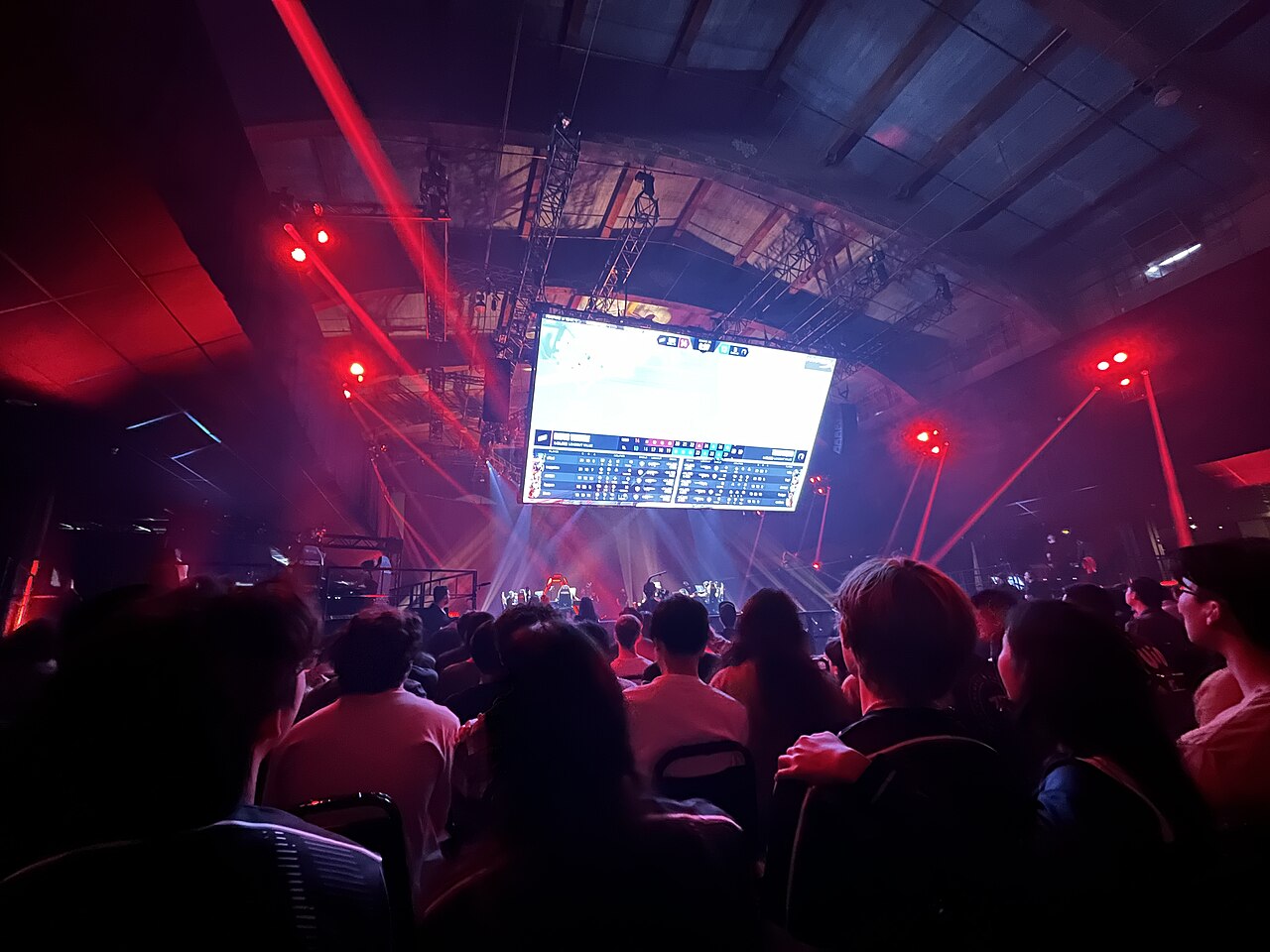
Looking to climb the ladder without spending a fortune on VCT tickets?
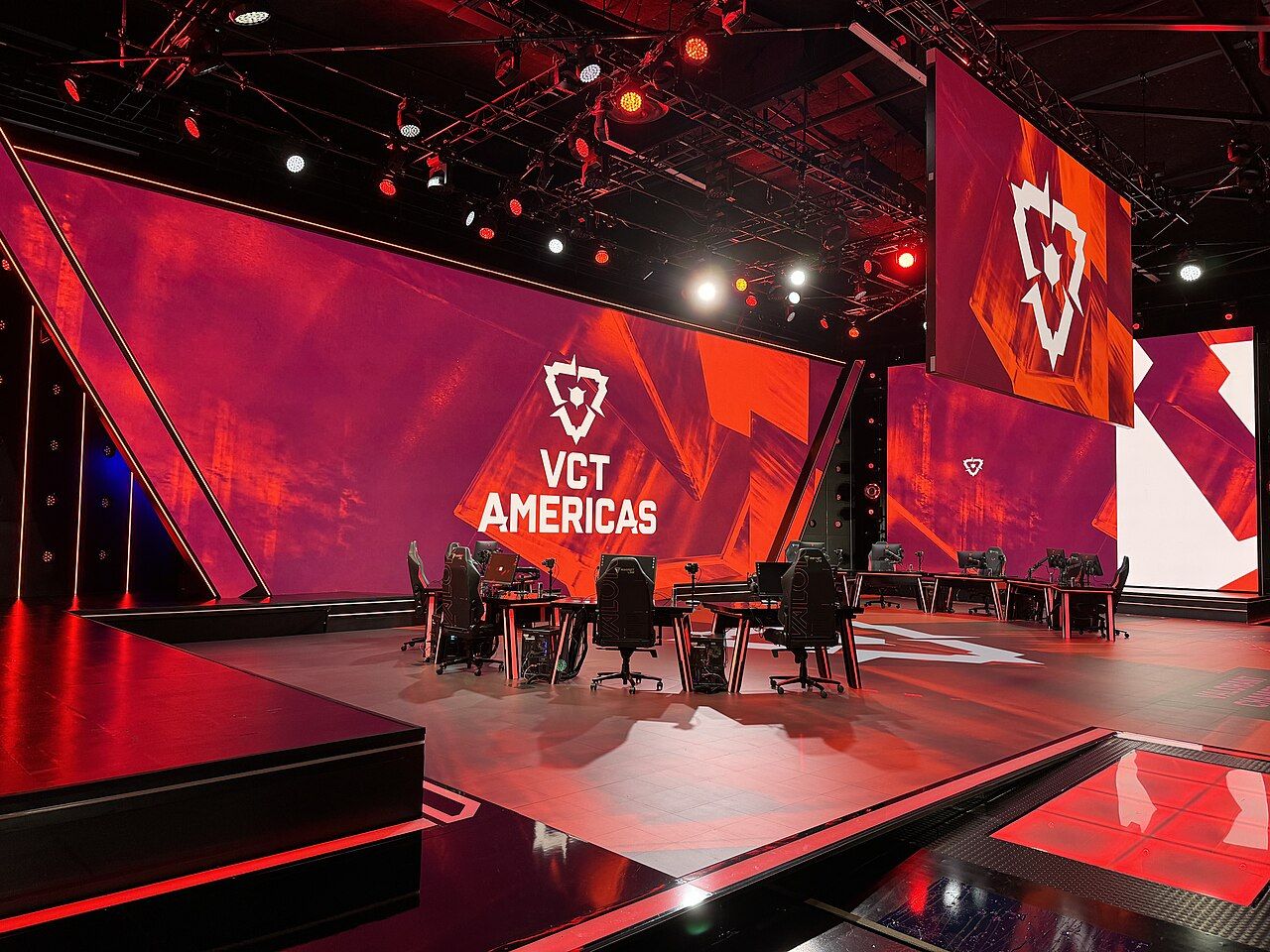
Stop squinting at your screen and start landing headshots. Finding the right Valorant crosshair codes is the single fastest way to improve your aim…
Stop landing in the same crowded mess and start hunting where the loot is actually good.
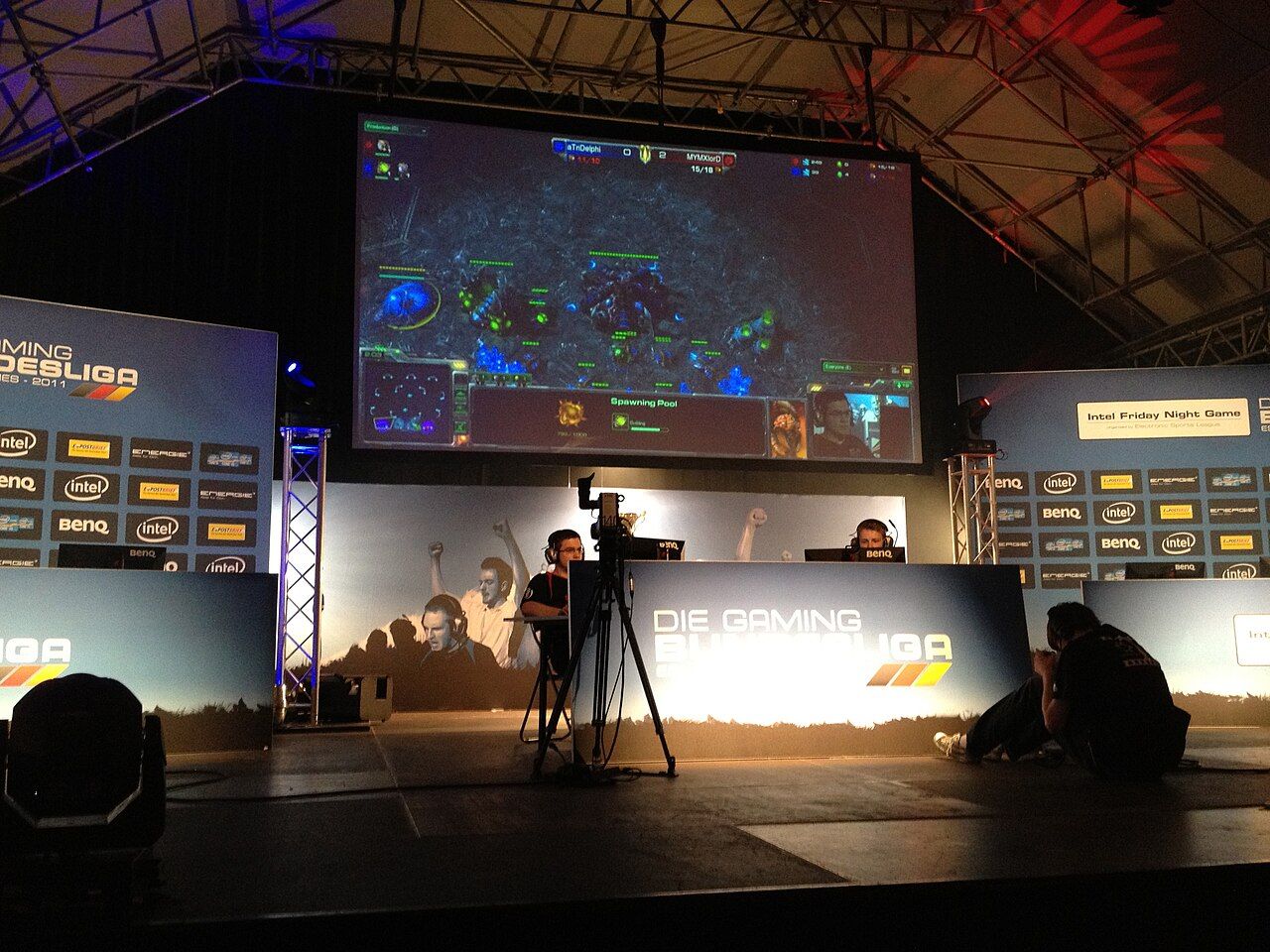
Stop dying to the first bullet and start stacking kills with these BGMI TDM tips.
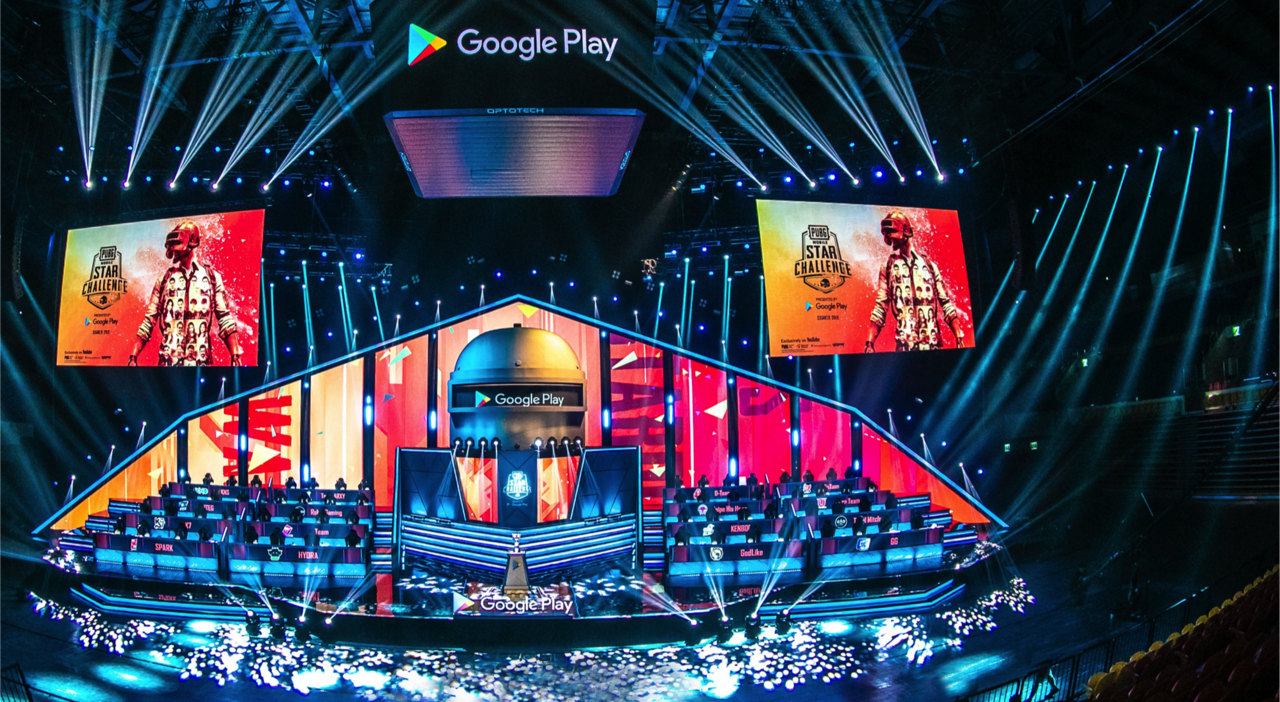
Ready to stop tossing grenades like a clueless rookie? This BGMI grenade guide will turn your throwables into a tactical advantage.
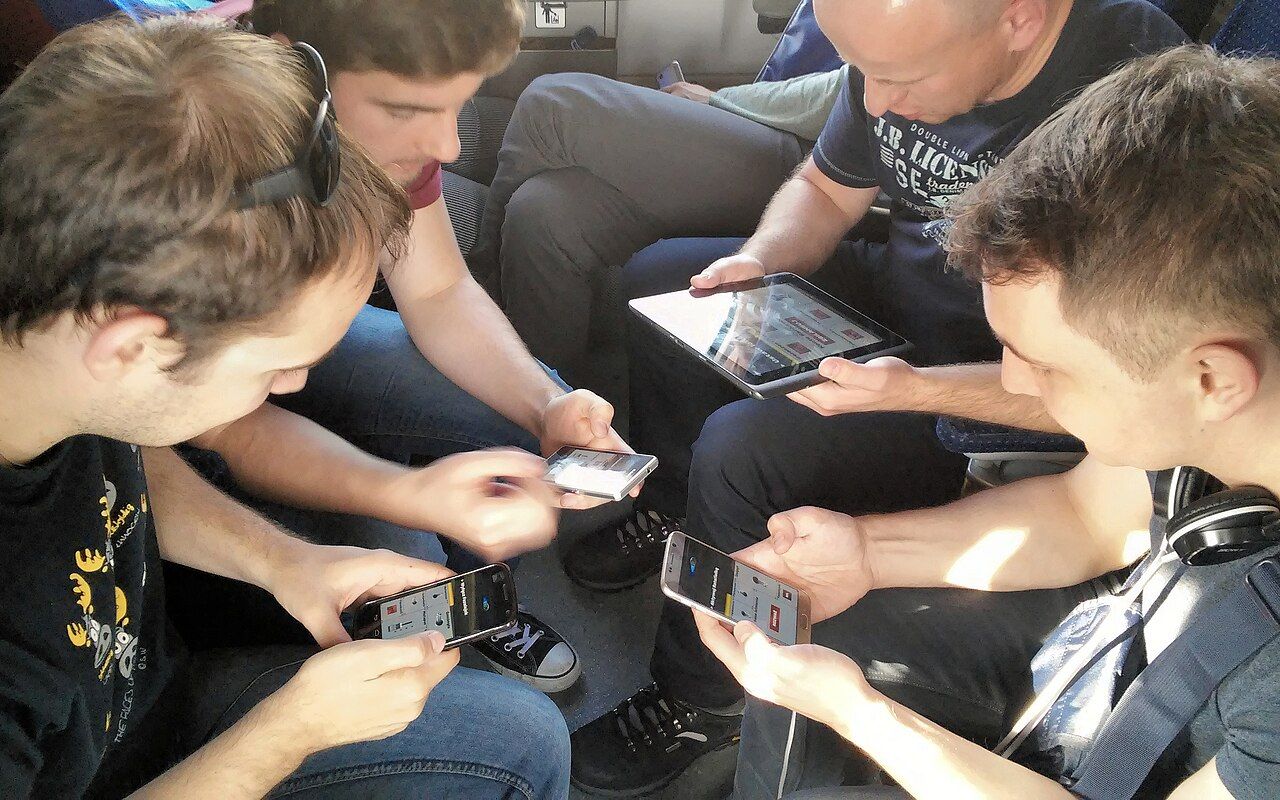
If your frames are dropping like your rank in a bad match, you need a real BGMI lag fix, not just hope.
Looking for the BGMI best weapons to dominate the Ranked ladder?
If your crosshair drifts like a drunk pigeon when you spray, your BGMI gyroscope settings are likely the culprit.
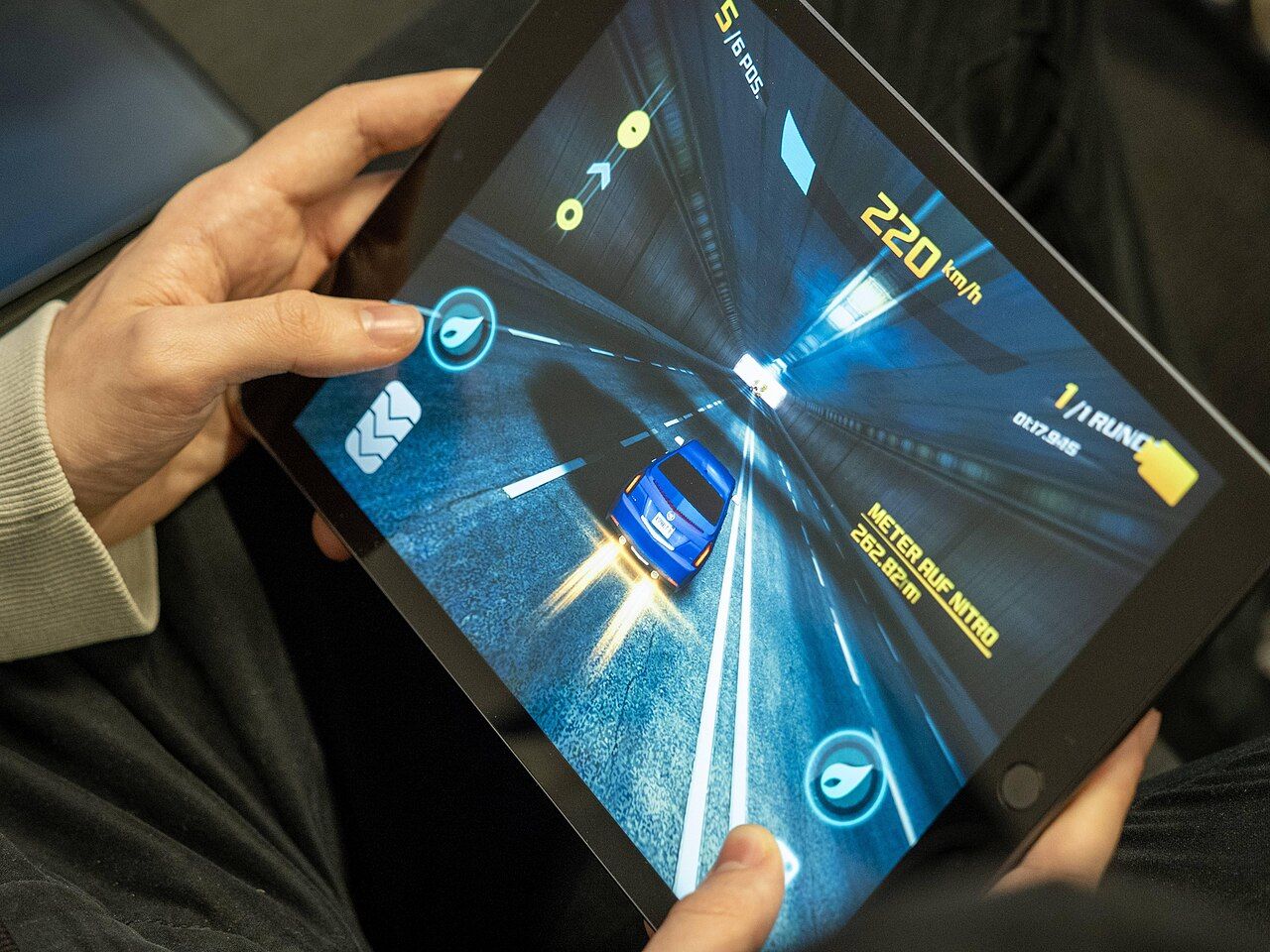
Practical BGMI 4-finger claw sensitivity ranges for rushers, snipers and balanced players, plus a simple training-ground method to tune each scope.