BGMI 4-Finger Claw Sensitivity Settings 2026
Practical BGMI 4-finger claw sensitivity ranges for rushers, snipers and balanced players, plus a simple training-ground method to tune each scope.
 By Swotboysandy2 min read
Ask AI about this guide
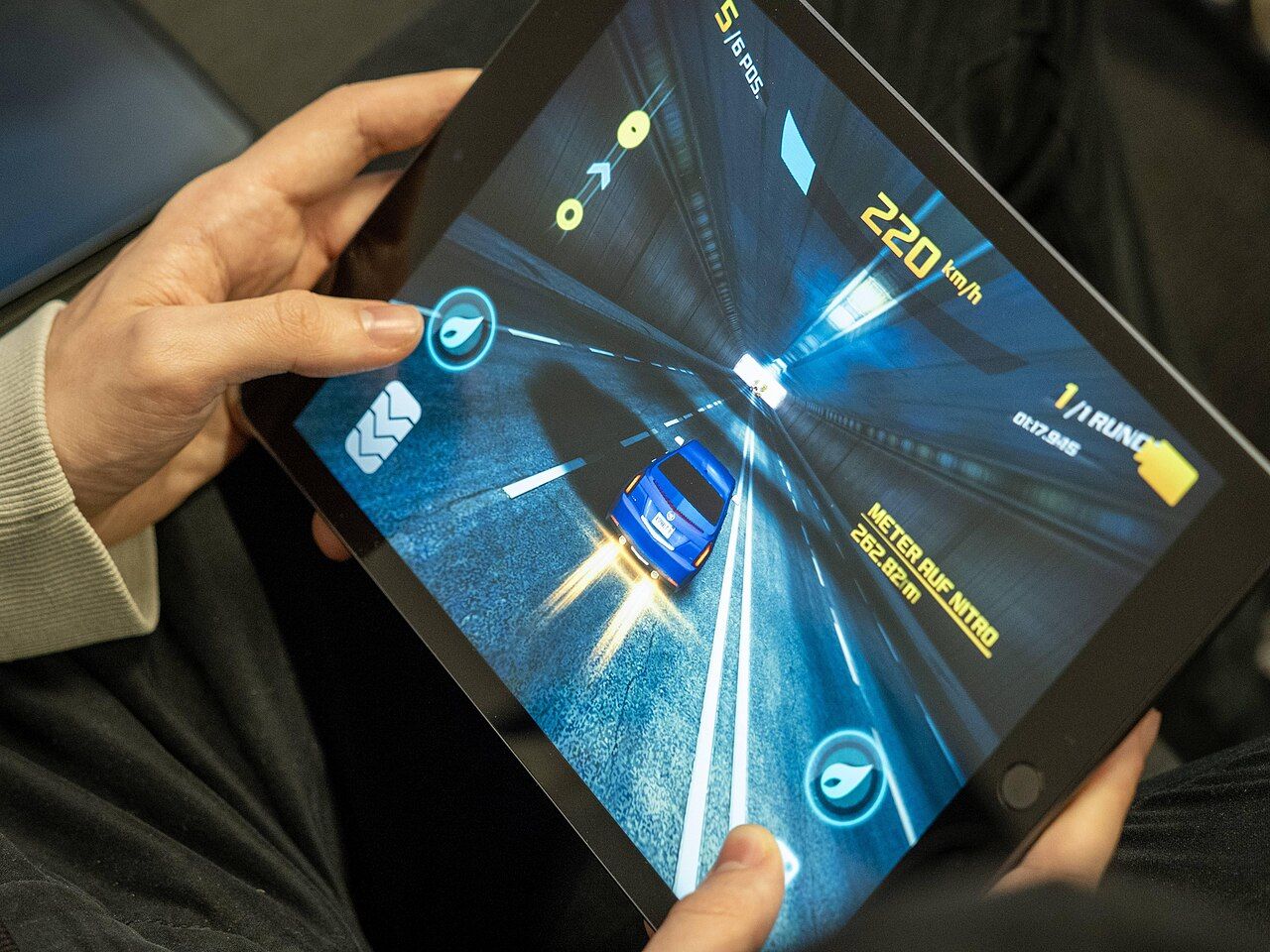
Photo: InclusiveGameLab, CC BY-SA 4.0, via Wikimedia Commons
Stop letting your crosshair drift when you spray; the right 4 finger claw settings are the difference between a clutch and a quick respawn. We are breaking down the best sensitivity BGMI 2026 requires to keep your aim locked in.
Why Your Current Setup Is Failing You
Your thumb is not built for rapid 360-degree turns while simultaneously managing your fire button. When you switch to a claw grip, you decouple movement from shooting. This allows your index and middle fingers to handle ADS and firing, freeing your thumbs for pure locomotion. If your crosshair is still jumping around the screen, your sensitivity is likely too high for a claw setup.
Recommended Ranges by Playstyle
There is no single "perfect" number, but these ranges work for most players. Adjust based on your device's touch sampling rate.
For Aggressive Rushers: Set your Camera Sensitivity (TPP No Scope) between 120% and 140%. Your Red Dot and Holo scopes should sit around 50% to 60%. You need fast flicks to track moving targets at close range. Keep your 8x and 12x scopes low, around 10% to 15%, for precise long-range taps.
For Passive Snipers: Lower your Camera Sensitivity (TPP No Scope) to 80% to 100%. Your scoped sensitivities (Red Dot to 4x) should be tighter, roughly 30% to 40%. This reduces overshoot when you are holding angles or tracking distant vehicles. Stability beats speed here.
For Balanced All-Rounders: Aim for the middle ground. Camera Sensitivity (TPP No Scope) at 100% to 120%. Scoped sensitivities between 40% and 50%. This setup adapts well to both close-quarters fights in Erangel and mid-range duels in Sanhok.
How to Test and Lock In Your Settings
Do not guess. Go to the Training Grounds and spawn a target. Place a dummy at a distance where you would normally fight. Sprint toward it while firing. If your crosshair stays on the target, your settings are good. If it jumps over the head, lower your sensitivity by 5%. If it lags behind, increase it. Repeat this process for each scope type. Once you find a number that feels natural, write it down. Do not change it for at least a week. Muscle memory takes time to build.
Pro Tip: The Drag Shot Mechanic
With a 4-finger claw, you can perform drag shots without sacrificing movement. Keep your ADS button on your index finger. When you engage, pull down on the screen with your index finger to lower your crosshair to the enemy's chest. Your thumb continues to move you left or right. This technique keeps your aim consistent during strafing. It is the single most effective way to counter aggressive pushers in Conqueror rank.
Final Tips for 2026
Remember that sensitivity is personal; what works for a pro might feel like chaos for you. Test, adjust, and commit to your setup before the next match.
Making a BGMI montage? See how GamingCap finds your BGMI kills for you.
Keep reading
 Guide
GuidePlan BGMI Clips Around Event Dates Without Chasing Every Trend
Build a small content plan around the start, mid-point and final days of an in-game event: what to record, when to shortlist clips, and how to prepare…
 Guide
GuideBGMI Sensitivity Settings Without Gyroscope
How non-gyro players should approach camera, ADS and fire-button sensitivity: start from defaults, change one scope at a time, test in training, and why…
 Guide
GuideBGMI 90 FPS: Where the Setting Is and Whether to Record at It
Where the frame-rate option sits in BGMI's graphics menu, why it only appears on some devices, and the trade-off between playing at a high frame rate and…