GamingCap vs CapCut for Gaming Montages
CapCut is an editor; GamingCap finds your kills in long recordings. Which to use for a BGMI, Valorant or Free Fire montage, and when to use both.
 GamingCap team3 min read
Ask AI about this guide

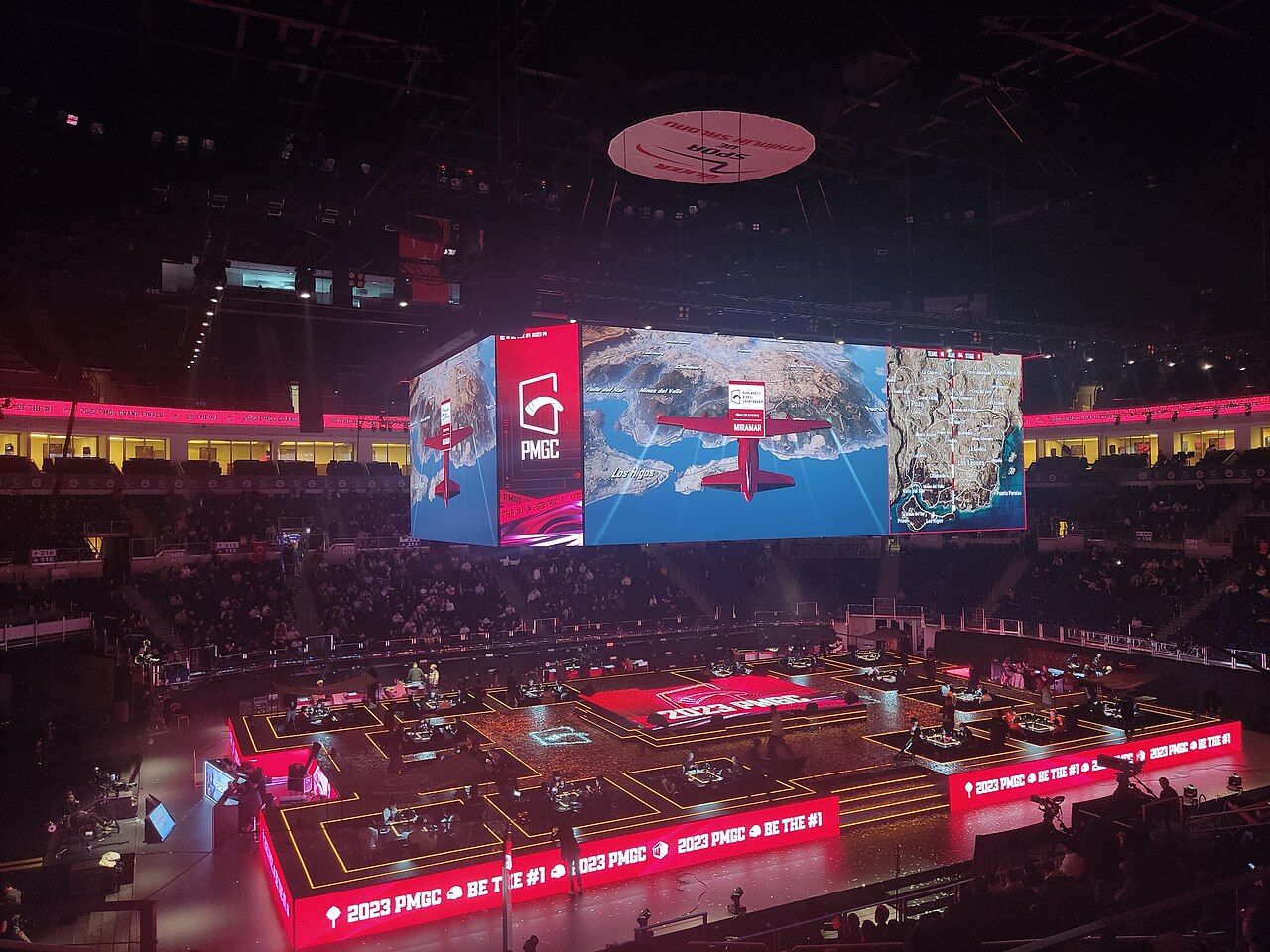
Photo: Santeri Viinamäki, CC BY-SA 4.0, via Wikimedia Commons
In this guide
Short answer: GamingCap and CapCut do different jobs. GamingCap finds your knocks and eliminations inside long recordings and exports them as one MP4 montage, so it is for players whose time goes into hunting for kills. CapCut is a general editor for effects, text, transitions and music, so it is the better pick if you already have your clips and want a stylised edit.
For most montages the honest answer is to use one after the other: GamingCap to find and cut, an editor to decorate.
At a glance
| GamingCap | CapCut | |
|---|---|---|
| What it is | A recording reader that finds your kills | A general video editor with templates |
| Finding kills | Automatic: reads the kill feed and checks your exact in-game name | Manual: you scrub the timeline and cut |
| Effects, text, music, transitions | None; exports the clips with game audio | Yes, a wide range |
| Platforms | Windows PC | Windows, Mac, iOS, Android and web |
| Phone recordings | Yes, once moved to your PC | Yes, edit on the phone or desktop |
| Footage | Processed on your PC, never uploaded | Edited locally, with optional cloud features |
| Price | 24-hour free trial, then ₹199/month or ₹1,499/year in India; $5/month or $50/year elsewhere | Free to start; paid plans unlock more AI tools, cloud storage and 4K export |
| India | Available | Not officially available since 2020 |
Where CapCut is the better pick
CapCut is a capable, free-to-start editor. It runs on phones, on Windows and Mac, and in a browser, and it has templates, captions, transitions and effects that GamingCap does not offer at all. If you already have five great clips and want them cut to a beat with text and flashy transitions, an editor like CapCut is what you need. Our piece on CapCut montage templates vs cutting it yourself goes into when a template helps and when it makes every edit look the same.
One catch for Indian players: CapCut has not been officially available in India since the 2020 app ban, so many BGMI and Free Fire players use VN or DaVinci Resolve instead.
Where GamingCap is the better pick
The slow part of a gaming montage is rarely the edit. It is finding the moments: going through an hour of BGMI or Valorant footage for the twenty seconds that matter. An editor cannot help with that, because it does not know what a kill looks like.
GamingCap does. You choose a recording, made with OBS, any screen recorder or your phone, and type your exact in-game name. It reads the kill feed, keeps only the knocks and eliminations with your name on them, and gives you each one as a 10-second clip. You preview them, remove the ones you do not want, reorder the rest and export one MP4 with the original game audio. Everything happens on your PC; nothing is uploaded.
It works with PC games such as Valorant, Counter-Strike 2, Call of Duty: Warzone, Apex Legends, Fortnite and PUBG: Battlegrounds, and with phone recordings of BGMI, PUBG Mobile, Free Fire and Call of Duty: Mobile.
The workflow that uses both
- Record your matches as usual. Our BGMI recording settings for montages help keep the kill feed readable.
- Run the recordings through GamingCap and keep the clips you like.
- Export the montage, then open it in your editor of choice to add music, text and transitions. Syncing kills to the beat covers that last step.
If you want a wider view of the options, see the best BGMI montage maker apps compared.
Try it on your own footage
Try GamingCap free for 24 hours, no card needed, on a recording you already have. If it finds your kills before you would have finished scrubbing, the editing part becomes the fun part again.
Questions people ask
Is GamingCap better than CapCut for a gaming montage?
For finding the kills, yes: GamingCap reads your recording's kill feed and gives you every knock and elimination with your name as a 10-second clip. For effects, text, transitions and music, CapCut is the better tool. Many players use GamingCap first and an editor second.
Can CapCut find kills automatically?
CapCut is a general video editor, so you find and cut the kills yourself on the timeline. GamingCap was built for that step: it reads the kill feed and checks your exact in-game name.
What can I use instead of CapCut in India?
CapCut has not been officially available in India since 2020. For editing, VN and DaVinci Resolve are free options; for finding the kills in a long recording on a Windows PC, GamingCap does that part automatically.
Does GamingCap add music or effects?
No. GamingCap exports one MP4 montage with the original game audio. Add music, text or transitions afterwards in any editor.
Keep reading
 Comparison
Best BGMI Montage Maker Apps Compared (2026)
GamingCap, VN, DaVinci Resolve, CapCut and Medal compared for BGMI kill montages: what each does best, where each falls short, and what it costs.
 Comparison
GamingCap vs Medal: Which Fits Your Montage Workflow?
Medal clips while you play; GamingCap finds your kills in recordings you already have. How the two differ on platforms, price, privacy and montage export.
 Guide
GuideCheck the BGMI Kill Feed After an Update Before Making a Montage
Explain why UI scale, language, name styling and event-mode overlays can affect any workflow that reads the kill feed.