How to Make a Fortnite Montage
Replay mode versus recordings, finding eliminations, and editing to a beat without overcutting.
 GamingCap team3 min read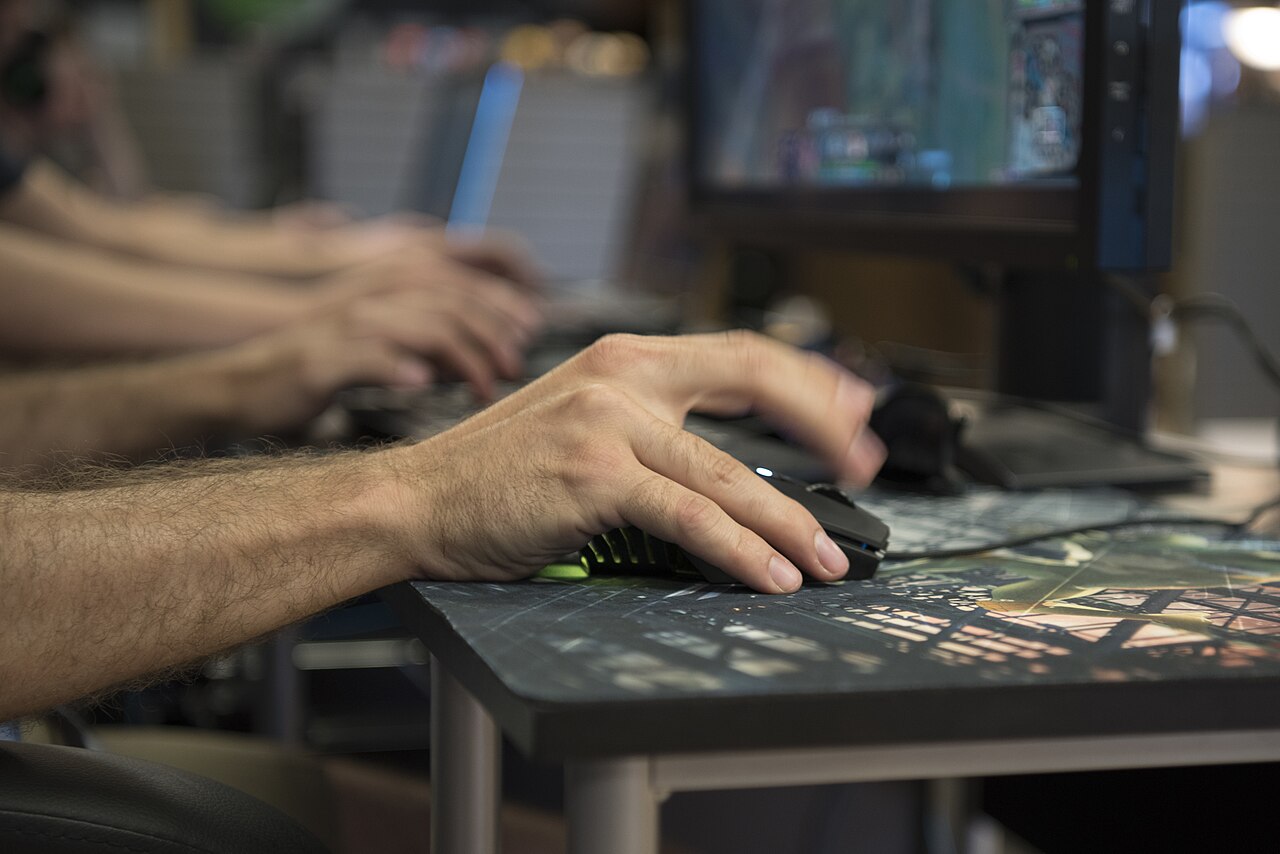
Photo: U.S. Air Force photo by Airman William Tracy, Public domain, via Wikimedia Commons
The difference between replay mode and raw footage
A fortnite montage is built from raw video files rather than the game’s internal replay system. Replay mode compresses data and restricts resolution, making it unsuitable for high-quality exports. Raw recordings capture every frame at your chosen bitrate, preserving the visual fidelity needed for a clean edit. Since you already have these files on your hard drive, the challenge is not recording them but finding the specific moments worth keeping. Manual scrubbing through hours of gameplay is the standard method, but it is tedious and often leads to missed eliminations.Filtering by your in-game name
The core difficulty in highlight editing is distinguishing your kills from your teammates’. In a squad, the kill feed is cluttered with names. A reliable workflow requires software that reads the on-screen text and filters for your exact in-game handle. This ensures that only confirmed eliminations or knocks attributed to you are selected. Tools that rely on generic audio cues or visual flashes often pick up teammates’ actions, forcing you to delete half the clips. By anchoring the detection to your specific name in the kill feed, the process becomes objective. If your name is not visible in the feed for a particular kill, the software will not flag it. This limitation is honest; it means you must ensure your name is displayed in the game settings for the tool to work correctly.Reviewing ten-second clips
Once the software identifies a moment, it extracts a ten-second clip centered on that event. These clips are generated locally on your Windows PC. The process does not upload your recordings to a server; the video data stays on your machine. An internet connection is required only for account sign-in. Each clip includes the original game audio, which is crucial for preserving the impact of the elimination. You must review every generated clip before exporting. Detection algorithms can miss subtle visual cues or fail to read the kill feed if the UI is obscured. Therefore, the output is a draft, not a final product. You will spend time scrubbing through the list, deleting clips that are misidentified or lack sufficient context. This review phase is where the actual editing work happens.Exporting and adding your own beat
GamingCap, a Windows application, automates this extraction process. It reads your existing recordings, finds moments with your name in the kill feed, and outputs them as individual clips. The clips you keep are compiled into a single MP4 file. The software does not add music, titles, or visual effects. It does not crop the video to vertical formats for social media. It is a highlight finder, not a full video editor. Once you have the master MP4, you import it into your preferred editing software to sync the cuts to a beat. Overcutting is a common mistake; keeping the clips at their natural ten-second length allows the viewer to see the setup and the payoff. If you cut too aggressively, the montage loses narrative flow. The first 24 hours of using GamingCap are free, requiring no credit card. After that, the subscription is 199 rupees per month or 1,990 rupees per year in India. This cost reflects the local processing power required to parse video files without sending them to the cloud. The tool saves you the hours of manual scrubbing, but the creative decision of what makes a good montage remains yours.Keep reading
 Guide
GuideHow to Make a Warzone Montage From Long Matches
Pulling eliminations out of long Warzone sessions and turning them into a tight montage.
 Guide
GuideHow to Make a Free Fire Montage
Phone recording settings, getting footage to a PC, and cutting a Free Fire montage that holds attention.
 Guide
GuideHow to Make a Valorant Montage
Recording Valorant cleanly, finding your rounds with kills, and editing a montage around aces and clutches.