GamingCap vs Outplayed: Live Capture or Recording Reader?
Outplayed records highlights while you play on Overwolf; GamingCap finds your kills in recordings you already have. Which fits PC and mobile players.
 GamingCap team3 min read
Ask AI about this guide
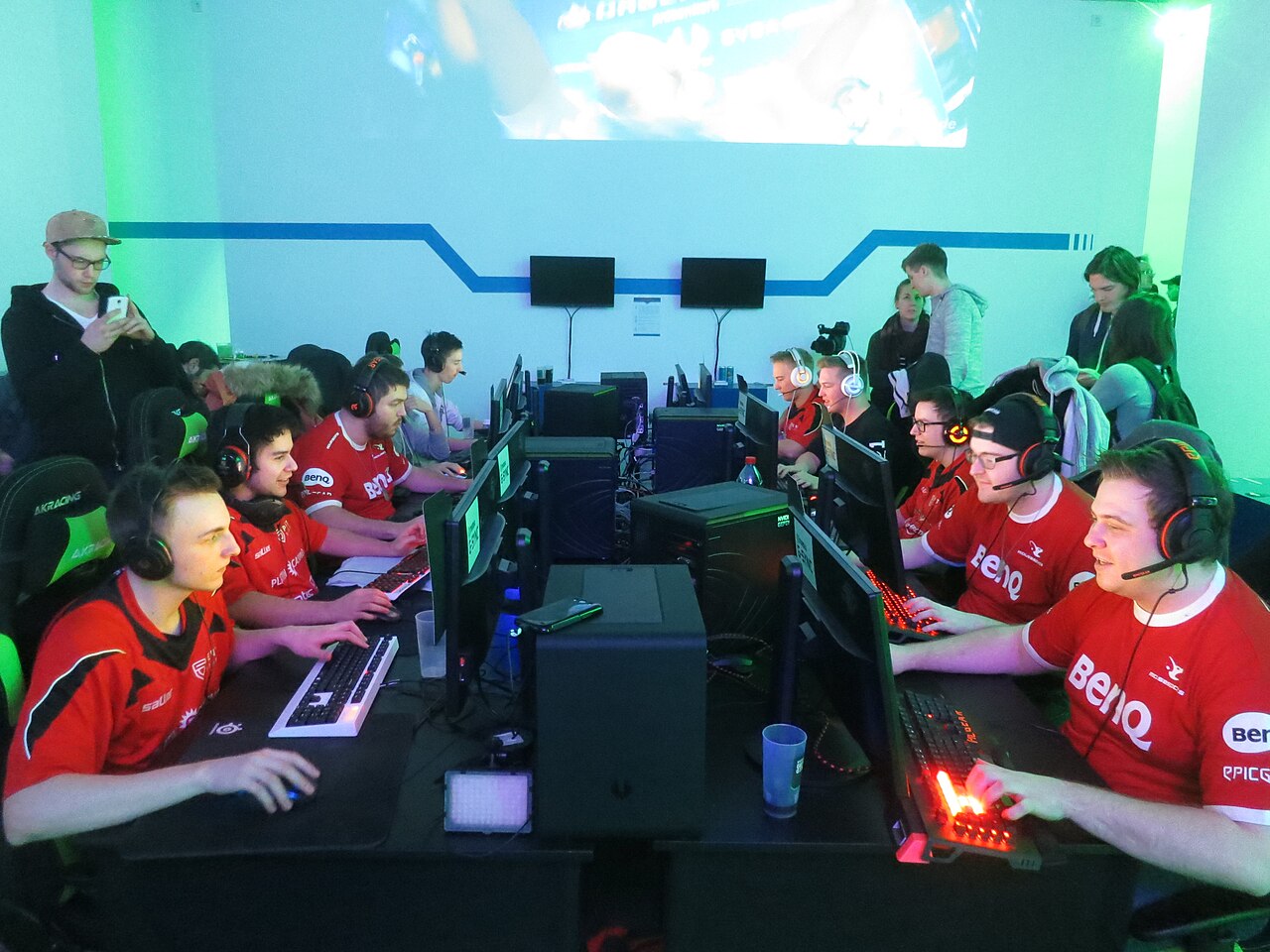
Photo: Alper Çuğun from Berlin, Germany, CC BY 2.0, via Wikimedia Commons
In this guide
Short answer: pick GamingCap if you have recordings of whole matches, from a PC or a phone, and want your own kills found and exported as one MP4 montage after the match. Pick Outplayed if you play supported PC games and want highlights saved automatically while you play, with nothing to process afterwards.
Both tools try to save you from scrubbing through footage. They just do it at different times, and that decides which one suits you.
At a glance
| GamingCap | Outplayed | |
|---|---|---|
| When it works | After the match, on a recording you already have | During the match, inside the Overwolf app platform |
| Finds kills by | Reading the kill feed in the video and checking your exact in-game name | Game events reported through Overwolf, in games that support them |
| Mobile games recorded on a phone | Yes, move the recording to your PC | No, it is made for desktop gaming |
| Output | One MP4 montage in your order, with the original game audio | Separate highlight clips per event, a match timeline and a basic editor |
| Needs to run while you play | No | Yes |
| Footage | Processed on your PC, never uploaded | Saved on your PC; optional cloud and sharing |
| Price | 24-hour free trial, then ₹199/month or ₹1,499/year in India; $5/month or $50/year elsewhere | Free with ads; optional Outplayed Premium |
Where Outplayed is the better pick
Outplayed is convenient when the game supports it. In its Highlights mode it saves each event, such as a kill, death or win, as its own short file with a few seconds before and after, so the clips are waiting for you when the match ends. For games without those events it falls back to recording the full match, the full session or only when you press a hotkey. It is free to start, and its match timeline lets you jump through a game you just played.
If you only play PC titles it covers, such as Valorant, Fortnite, Apex Legends or League of Legends, and you are happy to keep it running in the background, Outplayed does the capture for you.
Where GamingCap is the better pick
GamingCap does not run during play at all. You give it a recording, made with OBS, any screen recorder or your phone, and type your exact in-game name. It reads the kill feed, keeps only knocks and eliminations with your name on them, and hands each one to you as a 10-second clip. You preview them, remove what you do not want, reorder the rest and export a single MP4 montage with the game audio.
That makes it the better fit when:
- You play BGMI, PUBG Mobile, Free Fire or Call of Duty: Mobile. Outplayed cannot see a phone game; GamingCap can read the recording once it is on your PC. See how to make a BGMI montage for the whole workflow.
- The recording already exists. Last week’s matches, a stream VOD saved to disk, or footage from before you installed anything. A live tool cannot go back; GamingCap only works that way.
- You want only your own kills. Matching the name in the kill feed keeps teammates’ plays out of your montage.
- You would rather not run an overlay platform during matches. GamingCap is a standalone app and does nothing until you open a file.
GamingCap does not record gameplay or add music. Pair it with your usual recorder and editor.
Can you use both?
Yes. On PC you could let Outplayed catch highlights as you play and still keep full recordings of important matches. Anything it missed, or any match from a game it does not support, can go through GamingCap later. Our guide to finding highlights in long recordings compares the options, and GamingCap vs Medal looks at the other popular live clipper.
Try it on a recording you already have
The quickest test is one real file. Try GamingCap free for 24 hours, no card needed, and see whether it finds your kills in that recording faster than you could.
Questions people ask
Is GamingCap an alternative to Outplayed?
Yes, if your footage already exists. GamingCap reads a finished recording, finds the knocks and eliminations with your in-game name and exports one MP4 montage. Outplayed records highlights during the match through Overwolf.
Does Outplayed work with BGMI or PUBG Mobile?
Outplayed is made for desktop gaming and runs on Windows through Overwolf, so it does not capture games played on a phone. GamingCap reads BGMI, PUBG Mobile, Free Fire and Call of Duty: Mobile recordings once you move them to a Windows PC.
Do I need Overwolf for GamingCap?
No. GamingCap is a standalone Windows app. It does not hook into the game, show an overlay or run during play; it only opens recordings after the match.
Is Outplayed free?
Outplayed is free with ads, and Outplayed Premium removes the ads and adds extra features. GamingCap has a 24-hour free trial with no card, then ₹199 a month or ₹1,499 a year in India, or $5 a month or $50 a year elsewhere.
Keep reading
 Recording
How to Move Gameplay Recordings From Your Phone to Your PC
Move BGMI, Free Fire, COD Mobile and PUBG Mobile recordings to a PC or Mac without losing quality: cable, Quick Share or cloud drive, and what to avoid.
 Guide
GuideBGMI Lag After an Update: Stabilise FPS Before Recording
A practical diagnostic order for players whose match feels worse while recording after an update: restart, finish downloads, check storage and temperature…
 Guide
GuideBGMI Update Recording Settings: What to Recheck After a Patch
Updates can change performance, storage pressure or visual load.